Applying for a mobile payment account has always been a physical chore. You download a blank PDF, find a printer, fill in dozens of boxes by hand, sign it, and then try to capture a clear photo of the pages to send back. It takes time, and a messy scan is the fastest way to get your application rejected.
Digital paperwork, zero printing
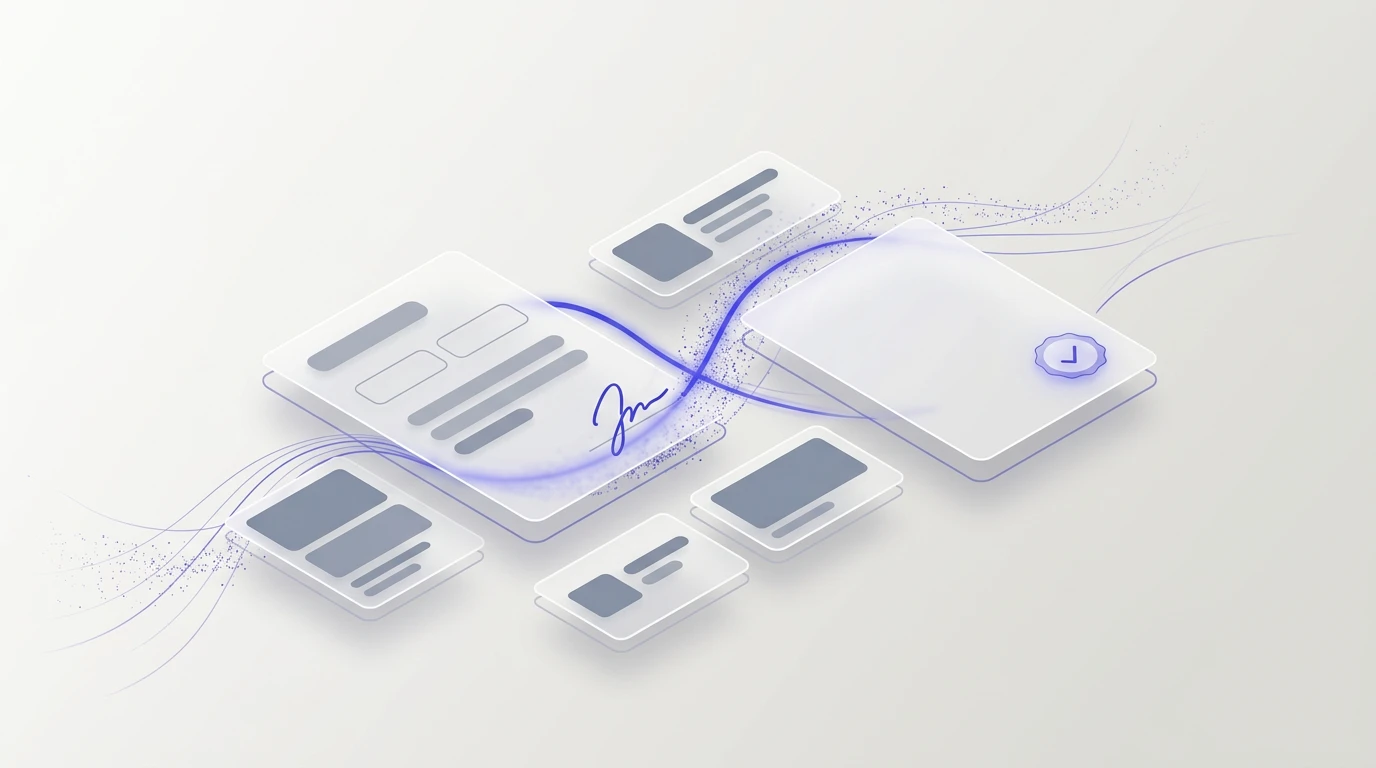
We built the Whish KYC (Know Your Customer) application directly into your dashboard. Instead of writing by hand, you just type your personal and business details into simple form fields. As you type, a live preview of the official Whish PDF updates instantly on the other side of your screen.
Sign with your phone camera
You still need a real handwritten signature, but you no longer need a scanner. Sign your name on a piece of blank white paper and take a photo of it. The tool automatically removes the background, sharpens the ink, and turns it into a transparent signature perfectly placed on the digital form.
Privacy by default
We know these documents contain highly sensitive personal identity data. That is why the processing happens entirely on your own device. When you type your details and process your signature, nothing is sent to our servers. The final PDF is generated straight onto your phone or computer. You only share your information with us if you explicitly turn on the option to save your profile for future delivery signups.
Ready to send
When you are finished, you walk away with a flawless, professional PDF file. No shadows, no misaligned pages, and no printing costs. Just download the file, email it to Whish with your ID, and get ready to accept payments.